Listening with SDR++
An SDR observer is a node that transmits nothing and runs no firmware: it is an antenna on the map, and its window can serve that antenna to real SDR software over the rtl_tcp protocol. SDR++'s stock client connects to it as if it were a dongle, and what it draws is the simulation's actual air - the same summed IQ the verdicts are judged from, never a picture generated from packet events. If two transmissions collide, the waterfall shows the collision because the samples contain it, and for no other reason.
Serving the antenna#
- Place an SDR observer on the map, or import a scenario that has one. Any position works, and its height and antenna matter exactly as much as any other node's.
- Open its node window. An observer's window is its own: no console and no Radio tab - it runs no firmware and has no chip to read - but an SDR pane in front.
- Press serve rtl_tcp. The pane shows the address and port the server picked, and a status line that flips to "client connected" when something is on the other end.
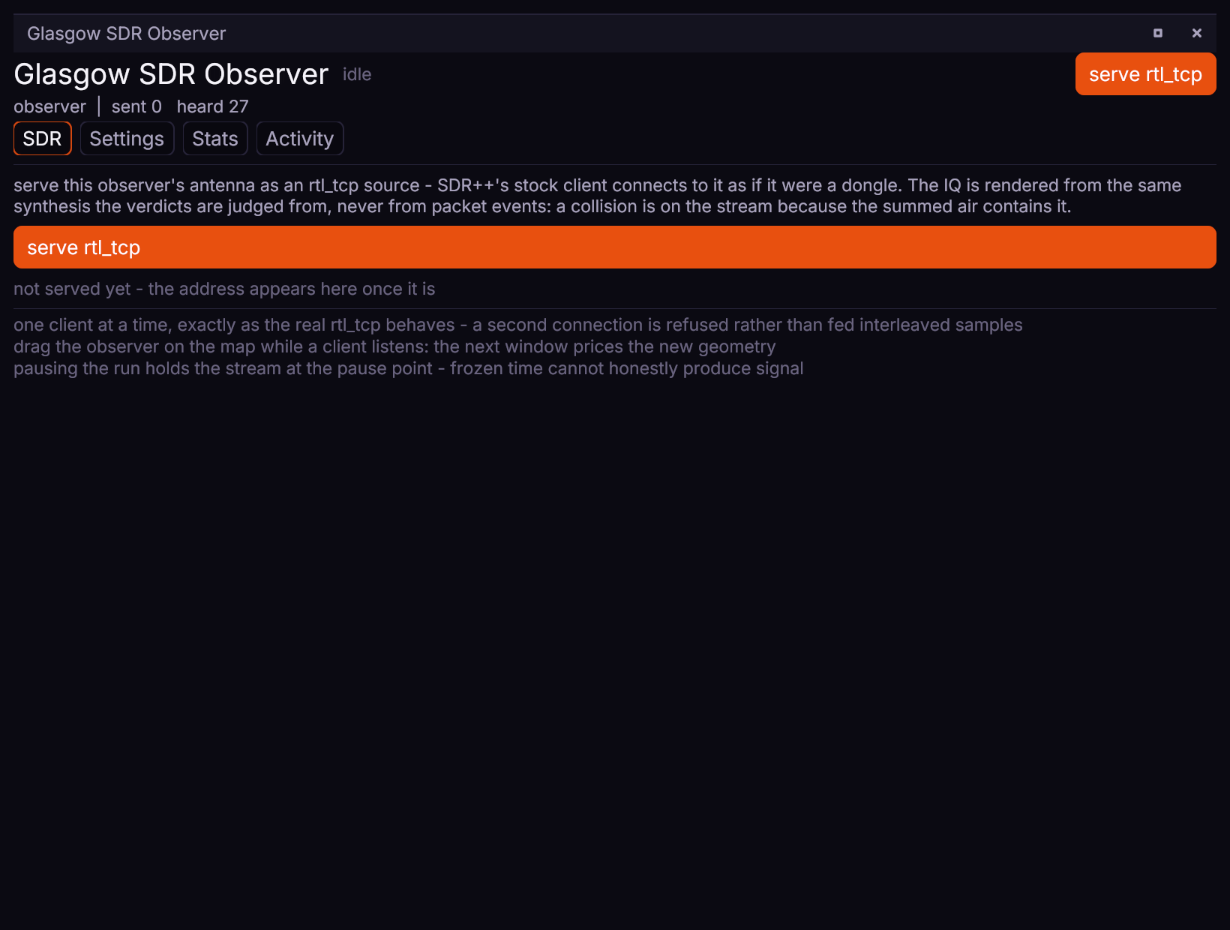
The same serve/stop control sits in the window's head, and the verb behind both is sdr.serve with sdr.stop, so a script can do it too.
Connecting SDR++#
In SDR++, choose the RTL-TCP source and give it the address and port from the observer's window. Then:
- Sample rate: any rate in the menu works - the server resamples its stream to whatever the client asks for. 250 kHz is the sensible choice: the lowest offered, the lightest to draw, and the tightest view of a LoRa channel.
- Tuned frequency: tune to the observer's centre frequency so the axis labels are truthful. The server streams the observer's channel wherever the client tunes; the frequency command is recorded, not obeyed, because a simulated observer has exactly one channel to give.
- Direct Sampling disabled, Offset Tuning off, RTL AGC and Tuner AGC off. Gain is accepted and ignored - there is no front end to drive.
- IQ Correction off. It exists to fight a real tuner's DC spike and image imbalance; pointed at mathematically clean synthetic IQ it slowly invents a correction for a fault that is not there.
- To look at LoRa bursts, RAW mode with the bandwidth set to the channel (62500 for the UK/EU narrow preset) beats any demodulator mode - there is no FM here for WFM to find.
Start the simulation playing, and transmissions appear as chirp bursts at the channel's width. Drag the observer across the map while it serves: the engine forgets its cached path losses on the spot, and the next window prices the new geometry - walking an observer away from a transmitter sinks it into the noise floor in real time.
What the stream honestly is#
- Simulated time, continuously. The stream position only moves forward. If the simulation runs slower than the wall - a heavy waveform judgement, a busy machine - the stream waits for it rather than rewinding or repeating windows; a client sees a slower waterfall, never a striped one. If the simulation runs much faster than real time, the stream jumps forward rather than falling minutes behind, exactly as a real dongle drops samples on overflow.
- A paused run streams its bare floor. Frozen time cannot honestly produce signal, so a paused observer streams nothing but its front-end noise until the run moves again.
- The floor fills the span, like a dongle's. The channel's signal is band-limited to its true width; the noise across the whole client span is the receiver's own noise density, painted by the server the way a real front end fills its sample rate. Signals from adjacent channels still do not exist - the observer models one channel.
- 8-bit IQ with a level control. The format's ~48 dB is the same ceiling a real RTL-SDR has; a level control anchored to the floor keeps a strong burst from clipping into broadband splatter, so a very hot signal briefly presses the floor down instead - the same trade a real front end makes with its gain.
- One client at a time, exactly as the real
rtl_tcpbehaves - a second connection is refused rather than fed interleaved samples.
This is the same instrument the golden-vector experiment used from the other side: there a real dongle fed captured air into MeshBench's receiver; here MeshBench feeds simulated air into a real client. Both directions exist so neither half of the chain has to be taken on trust.